





USB Connection
Solution
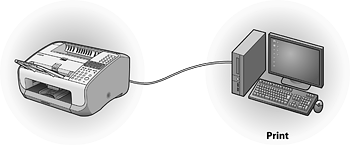
By connecting the computer and the machine with the USB cable, you can print documents sent from the computer. Before connecting them, install the printer driver first.
For details on installation, see Installing the software using USB connection (FAX-L160 only).
For details, see System Requirements (FAX-L160 only).
The following printer driver is included in the User Software CD.
UFRII LT Driver
Canon UFRII LT printer driver enables you to print from any application software to the machine. Taking full advantage of your PC’s processing power to compress the print data, this driver executes the high-speed data processing.