





How to Uninstall the Software (Windows 98/Me/2000/XP) (MF4122/MF4150)
Solution
If you want to reinstall the software, you must remove the currently installed software. Before you remove the driver, make sure the following:
- You have the installation software available for installation.
- No application is running on your computer.
NOTE
a. To uninstall the software in Windows 2000/XP, you must be the user with administrative privileges.
b. When uninstalling the software, first uninstall the MF Toolbox, and then the MF drivers.
 Uninstalling the MF Toolbox
1. Click [start] on the Windows task bar, and then click [(All) Programs], [Canon], [MF Toolbox 4.9], and [Toolbox Uninstall].
2. Follow the on-screen instructions.
When the Repair or Remove program selection screen is displayed, check [Remove], and click [Next].
If asked to confirm removal of an application etc., click [OK].
Restart your computer if asked to do so.
3. Click [Exit].
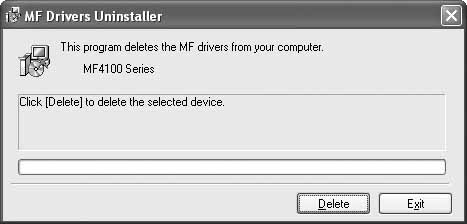
Uninstalling the MF Drivers1. Click [start] on the Windows task bar, and then click [(All) Programs], [Canon], [MF4100 Series], and [Uninstall Drivers].
The [MF Drivers Uninstaller] dialog box appears.
2. Click [Delete].
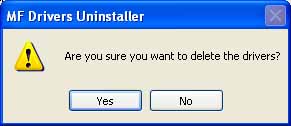
3. Click [Yes].
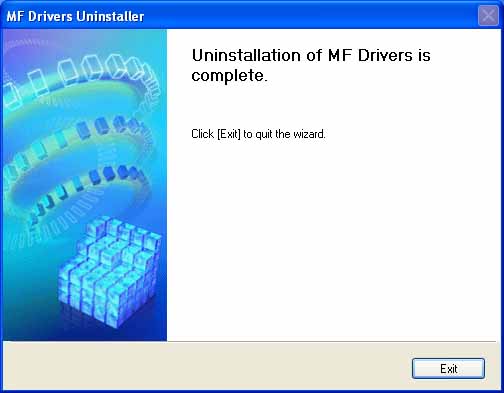
4. Click [Exit].
NOTE
Restart your computer if asked to do so.