








Type and Paper Capacity of the Output Tray
Solution
Printed paper is output to the output tray on the top of the printer with the printed side facing down.
Before printing paper, open the output tray to output the printed paper.
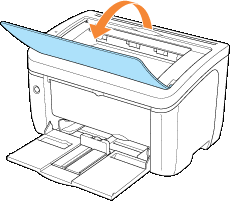
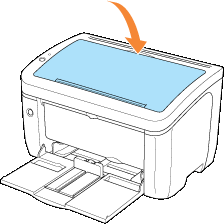
Keep the output tray closed when the printer is not used.
IMPORTANT
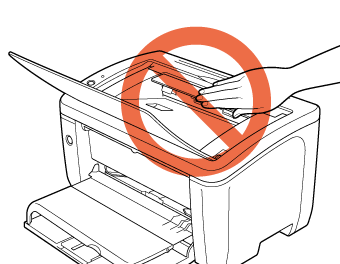
The output tray and its surroundings become hot during or after using the printer. Do not touch the output tray and its surroundings when removing the jammed paper or performing the related operation.
| Paper Type | Paper Capacity* |
Plain Paper (Ex. 64 g/m ) ) | Approx. 100 sheets |
| Heavy Paper (Ex. 128 g/m) | Approx. 30 sheets |
| Transparency | Approx. 10 sheets |
| Label | Approx. 10 sheets |
| Index Card | Approx. 10 sheets |
| Envelope | Approx. 10 sheets |